| Rating: | 3.7 (157 votes) |
| Played: | 26532 times |
| Classification: | Sprunki ModsSprunki Phases |
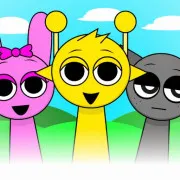
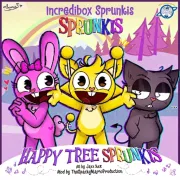
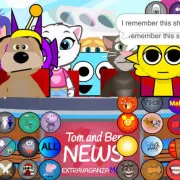
Sprunki Talking Vineria Wenda and Pinki brings the Sprunki characters into a familiar pet simulation game style. Instead of music, you simply tap on each icon to see Vineria, Wenda, and Pinki react with voices, expressions, and fun animations. Each character has many unique interactions, from eating and changing accessories to humorous situations unfolding right on the screen.
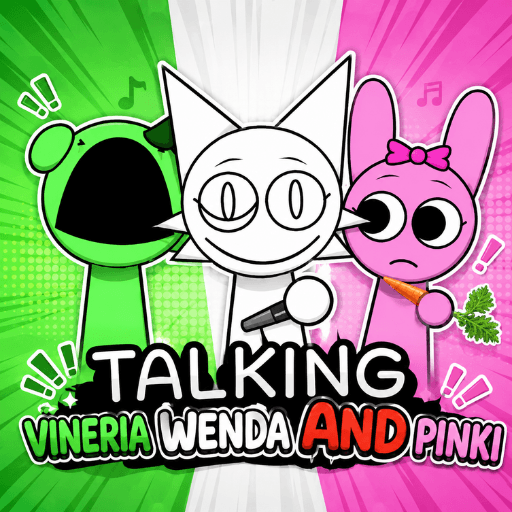
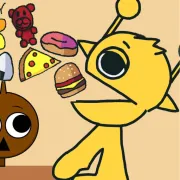
Vineria has many animations related to food and appearance. You can feed her salad, put on a wig, or activate different expressions with just one tap. After each animation, the character returns to its original state so you can try another option.
As a cat, Wenda often interacts with fish and many characteristic props. Some animations even affect the character standing next to her, creating unexpected situations instead of just happening individually.
Pinki appears as a carrot-loving rabbit. When feeding Pinki, the character will have a cheerful expression and many slow, adorable movements. Some animations can also be combined with Vineria and Wenda to create new reactions.
In addition to the first trio, the game also adds many other screens with familiar characters from Sprunki.
This pair has simple interactions such as eating cake, eating candy, solving math problems, or trying strange items. Some choices are purely for humor, while others create unexpected animations.
Simon and Clukr have many fun interactions such as blowing out birthday candles, wearing headphones, playing with pets, or reacting when bothered by other characters.
The appeal lies in trying out all the icons to see what happens next. Some items only create simple expressions, but there are also options that make multiple characters appear at once or create combined animations. You can even trigger multiple interactions in quick succession to make the screen chaotic in a very funny way.
If you enjoy Talking Tom-style simulation games but want to admire the Sprunki characters, this is a lighthearted option for a few minutes of entertainment.
Sprunki Talking Gray and Wenda
Sprunki ModsSprunki PhasesSprunki is an independent website. It is not affiliated with any organizations.